PON Network Troubleshooting: From Alarms to Root Cause
PON Network Troubleshooting: From Alarms to Root Cause
In FTTH, campus networks, and hotel deployments, a PON fault can involve the OLT, ODN, ONU, or the service configuration between them. Replacing equipment immediately may restore service temporarily, but a structured diagnosis is more reliable: check alarms and registration first, then correlate optical measurements with logs, topology, and service settings.
Key Takeaway
- Separate equipment alarms, optical-layer faults, and service-configuration faults.
- Diagnose in three segments: OLT port, ODN link, and ONU side.
- Treat optical power as evidence, not as a complete root-cause diagnosis.
- Exact thresholds depend on the OLT/ONU model, optical class, splitter ratio, link length, and project specification.
Common PON Fault Types
Typical cases include an ONU that cannot register, an ONU that drops repeatedly, a group of users losing service, or a service that remains online but shows poor throughput or latency. Possible causes range from dirty connectors and excessive bending to authentication, VLAN mapping, uplink, or template problems.
Check Alarms and Optical Power First
Start with the OLT port status, ONU registration state, and event history. Confirm whether the ONU is discovered, whether authentication has completed, when the last outage occurred, and whether the system reports loss of signal, optical-power limits, registration failure, or uplink issues. Alarm names and behavior vary by vendor, so the device manual and actual configuration should be the reference.
Optical-power testing can reveal significant attenuation, but a single reading does not prove the root cause. Record readings during normal and faulty periods, compare nearby ONUs on the same splitter, and inspect connector cleanliness, patch-cord routing, and splitter ports at the same time.
Three-Segment Diagnosis: OLT, ODN, ONU
OLT side
Check that the PON port is enabled and that the target ONU is visible. Review the optical module status, temperature, authentication method, serial number or LOID, line profile, service profile, and VLAN settings. When multiple ONUs on one PON port fail together, investigate the shared port, feeder, and splitter path first.
ODN side
Inspect patch cords, connectors, distribution frames, splitter ports, and the feeder and drop fibers. If the symptom changes after moving a patch cord or splitter port, focus on contact quality, contamination, bending, or abnormal port loss. Use an optical power meter and, when required, an OTDR for segment testing. Interpret OTDR events together with the real route length and test direction.
ONU side
Check power, indicators, fiber connection, temperature, and reboot history. If the ONU registers but the customer service is unavailable, verify LAN settings, bridge or router mode, service ports, VLAN mapping, and uplink policy instead of replacing the fiber alone.
Troubleshooting by Symptom
For an ONU that cannot come online, first determine whether the OLT can discover it. No discovery points toward the optical path or ONU port; discovery followed by authentication failure points toward serial number, LOID, password, whitelist, or profile settings. Compatibility and registration flows differ across equipment, so a generic compatibility percentage is not a sound diagnostic method.
For repeated dropouts, compare outage times with optical-power changes and check whether the pattern follows temperature, vibration, or recent construction. Inspect connectors, splitter ports, drop fiber, power supply, and reboot records. For poor throughput with a stable optical layer, verify the test terminal, Ethernet negotiation, bandwidth profile, VLAN, QoS, uplink port, and upstream capacity.
Field Workflow
- Record the symptom, affected scope, time, and device identifier.
- Read OLT and ONU alarms, registration state, and historical logs.
- Compare healthy and faulty users on the same PON port or splitter.
- Clean and reseat connectors; confirm patch-cord routing and bend radius.
- Measure optical power and use OTDR when a location must be isolated.
- Verify authentication, line and service profiles, VLAN, and uplink settings.
- Observe the service after repair and record readings, replaced parts, and root cause.
AinOPOL Products
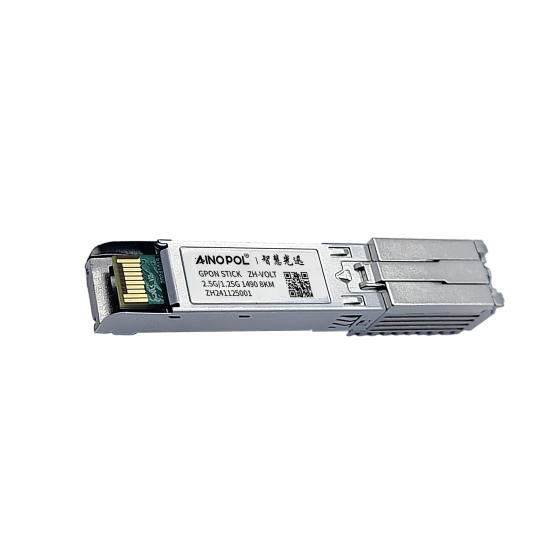
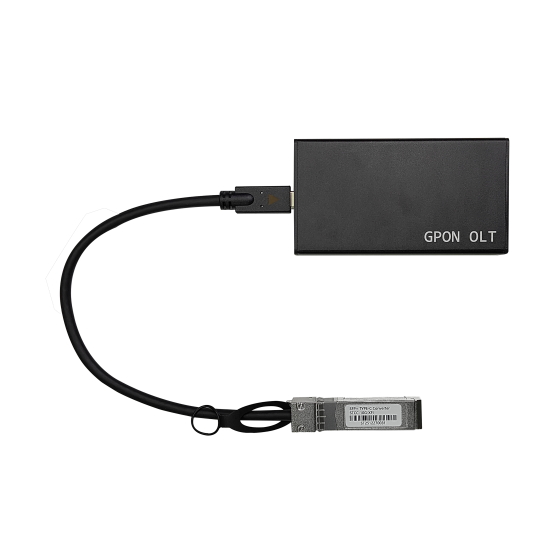
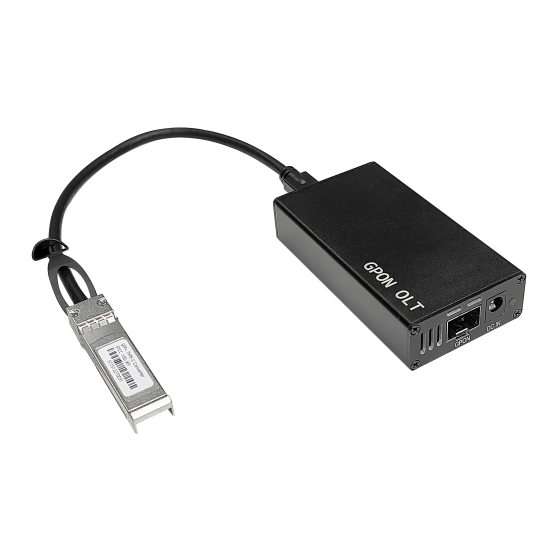
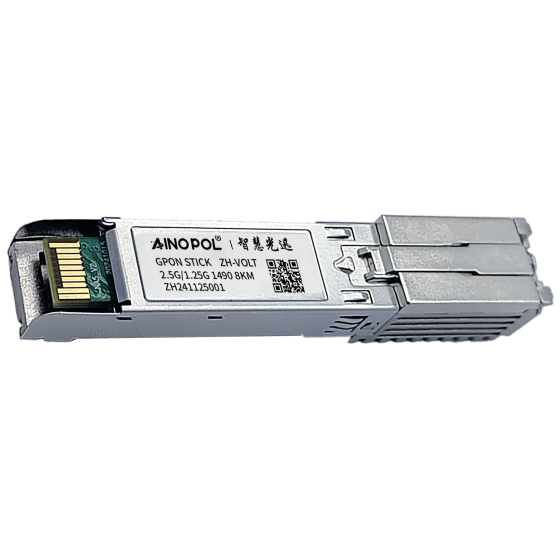
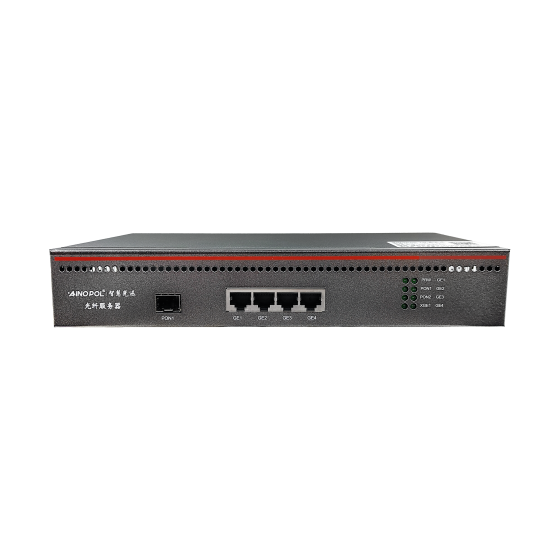
- GPON vOLT ZH-vOLT32: centralized GPON service management.
- GPON vOLT ZH-vOLT64: higher-density GPON access deployments.
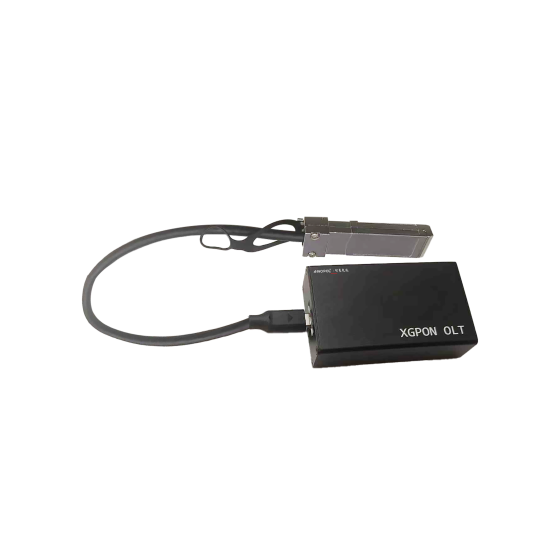
- XG-PON OLT ZH-VOLTXG64: XG-PON access and bandwidth-upgrade planning.
Select equipment according to the existing ONU population, ODN design, splitter ratio, service profiles, and verified interoperability.
Contact
For PON registration, optical-power, and service-configuration discussions, contact AinOPOL:
- Email: zhenghui.xu@sczhgx.com
- WhatsApp: +86 17612849559