FTTH Fiber Link Acceptance Guide: Optical Power, OTDR and PON Service Testing
Why FTTH Acceptance Should Go Beyond “The User Can Get Online”
Before an FTTH network goes live, it is not enough to confirm that the ONU is registered and the customer can access the Internet. A link may still have insufficient margin, connector reflection, excessive bending, or an incorrect service profile. These issues often appear later during temperature changes, subscriber growth, or equipment upgrades.
A complete acceptance process should validate the optical layer, device status, and service quality together. Recorded results also help maintenance teams determine whether a fault comes from the ODN, OLT port, ONU, VLAN mapping, or bandwidth configuration.
1. Confirm the Design Baseline
Prepare the topology, fiber route length, splitter hierarchy, OLT and ONU models, optical class, split ratio, and the specified transmit power and receiver sensitivity. Optical thresholds vary by equipment and should not be replaced by one generic value.
- Confirm port mapping: Link the OLT PON port, splitter port, and ONU step by step.
- Verify connector types: Check SC/APC, SC/UPC, and other interfaces before testing.
- Calculate the worst-case path: Include fiber, splitter, connector, splice, and engineering losses.
- Create test-point IDs: Keep readings and OTDR traces traceable to the physical route.
2. Measure Optical Power Against the Baseline
Clean the connector end faces, verify the test wavelength, and check the reference patch cord before testing. Record OLT transmit power, ONU receive power, and measured values at both ends where possible.
Compare results with the equipment specification, the design budget, and neighboring subscribers on the same splitter. A single low reading may indicate a drop-fiber or connector problem. Several ONUs on the same PON port showing abnormal readings point toward the shared feeder, splitter, or OLT optical module.
Normal optical power does not rule out intermittent bending, contamination, reflection, or a localized high-loss event.
3. Use OTDR to Locate Events
OTDR testing can locate breaks, splice points, connector reflections, bends, and abnormal loss. Select suitable launch and receive fibers, configure the pulse width, range, and refractive index, and save the original trace.
PON splitters can make OTDR traces difficult to interpret. Match every event to the actual topology, route length, and construction record. Segment testing is often more effective than testing the full path from the OLT side.
4. Inspect Connectors, Splices, and Bends
Clean and inspect connectors before mating. Look for dust, oil, scratches, or damaged end faces. Never mate SC/APC directly with SC/UPC. Check patch-cord routing in distribution frames, splitter boxes, closures, and customer outlets, and keep within the specified minimum bend radius.
Even bend-insensitive G.657 fiber should not be sharply folded, compressed, or repeatedly pulled. Label every splice clearly and archive the measured loss in the as-built records.
5. Verify ONU Registration and Service
After the optical layer passes, verify that the ONU is discovered and authenticated, then check the line profile, service profile, VLAN mapping, bandwidth settings, and uplink port.
- Confirm the ONU serial number, LOID, or password.
- Review historical alarms and repeated disconnections.
- Verify LAN negotiation speed, bridge or router mode, and customer VLAN.
- Run throughput, latency, and packet-loss tests at different times.
- Check bandwidth allocation, QoS, and uplink utilization under concurrent ONU traffic.
If the ONU is registered but service is unavailable, check authentication and VLAN configuration before replacing the fiber. If outages coincide with LOS alarms or changing optical power, return to the ODN path for further diagnosis.
6. Preserve Acceptance Records
Keep the final topology, cable and port labels, splitter port table, splice records, optical power readings, original OTDR traces, OLT and ONU configuration backups, service test results, and corrective-action records. Clear documentation shortens future troubleshooting and supports network expansion.
AinOPOL PON Equipment
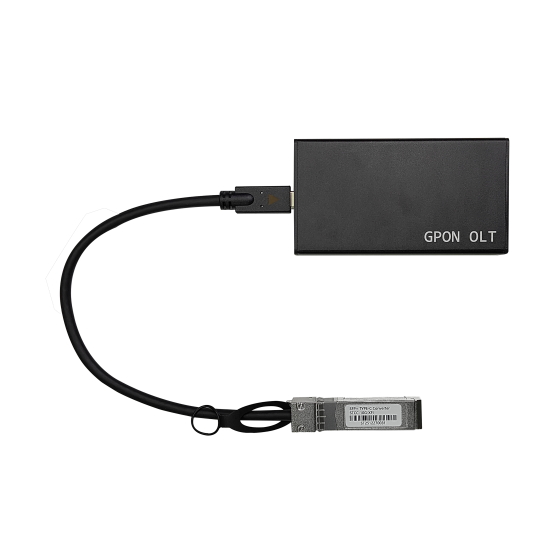
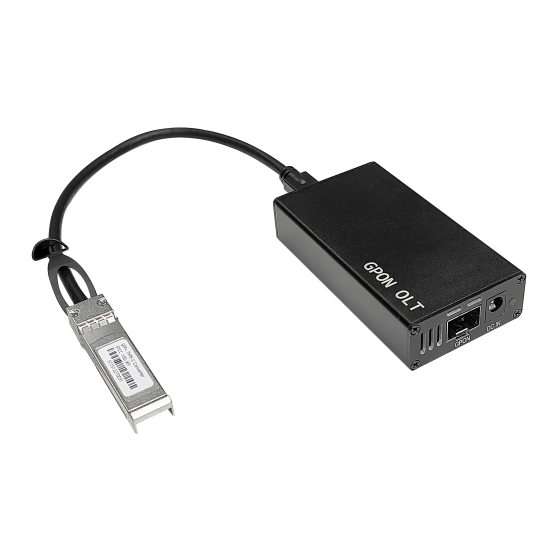
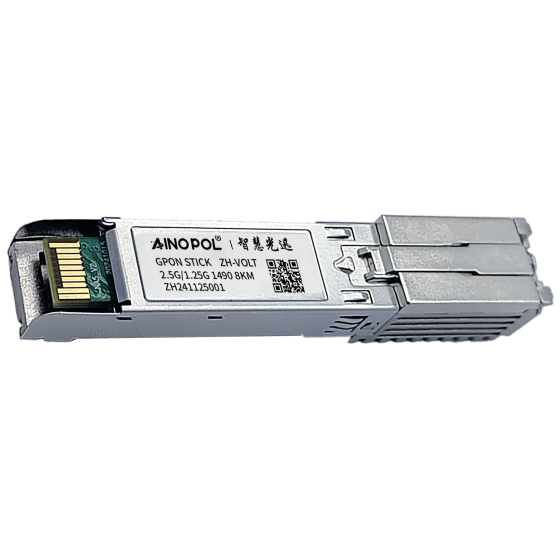
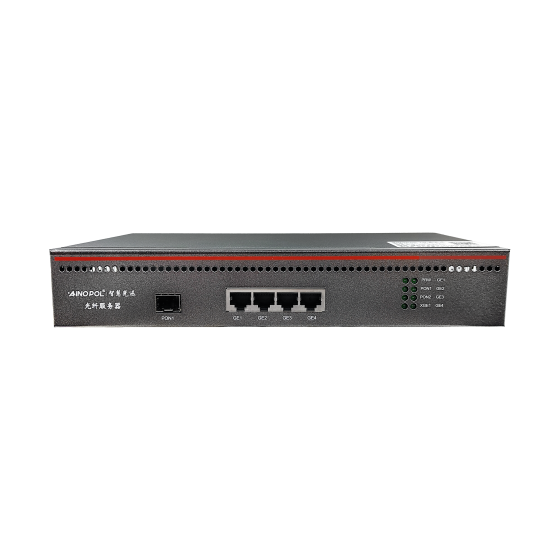
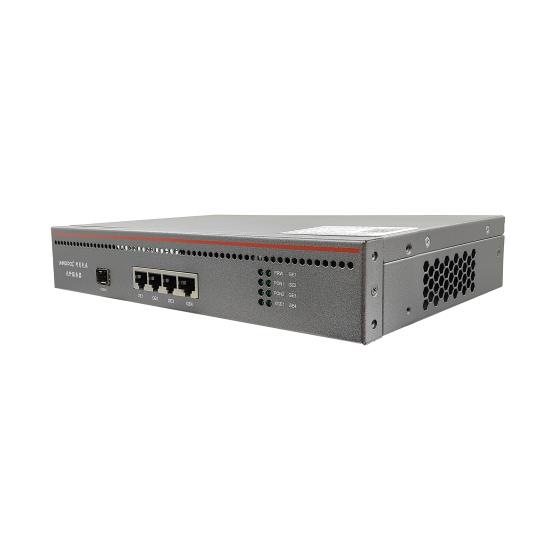
AinOPOL provides PON access equipment for different FTTH deployment and upgrade scenarios:
- GPON vOLT ZH-vOLT16: for small residential, hotel, and SMB access.
- GPON vOLT ZH-vOLT32: for mid-scale residential and campus networks.
- GPON vOLT ZH-vOLT64: for higher-density FTTH deployments.
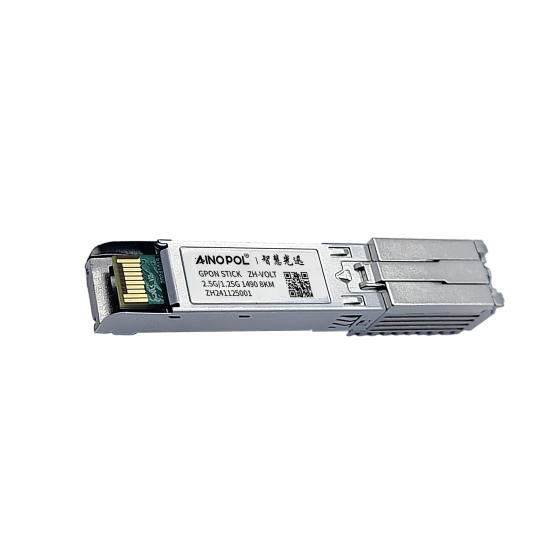
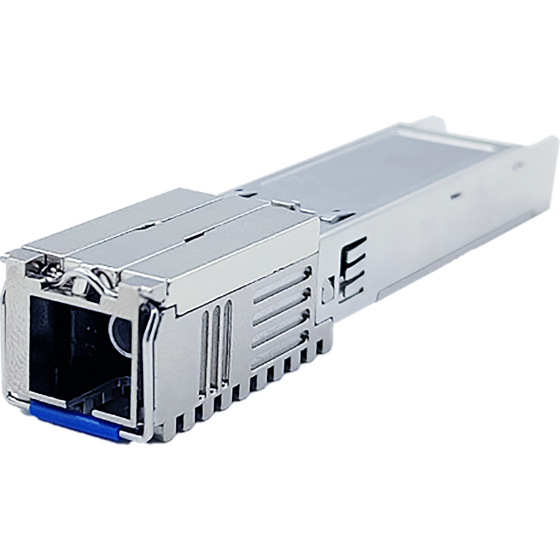
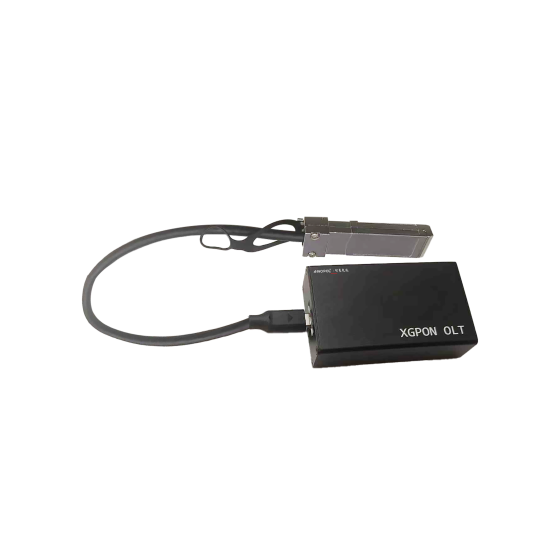
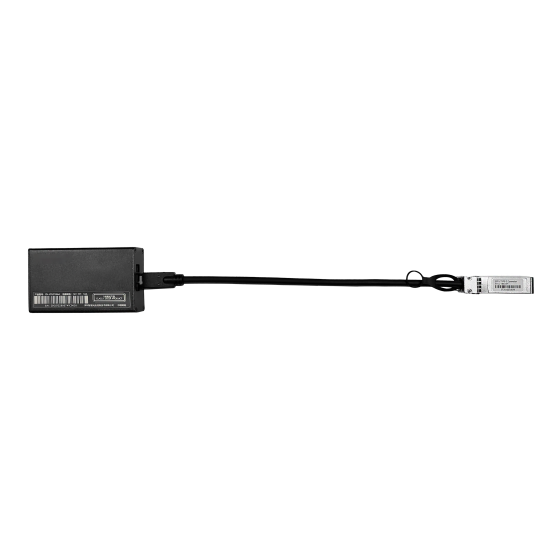
- XG-PON OLT ZH-VOLTXG64: for bandwidth upgrades and high-density access.
Final selection should consider ONU compatibility, split ratio, route distance, service profiles, and field-test results.
Contact AinOPOL
For FTTH acceptance, PON expansion, or optical-power troubleshooting, contact AinOPOL:
- Email: zhenghui.xu@sczhgx.com
- WhatsApp: +86 17612849559
- Store: shop.sczhgx.com
This article is general engineering guidance. Final acceptance must follow the project design, equipment specifications, operator requirements, and field measurements.