FTTH Fiber Installation Best Practices: From Cabling to ONU Activation
Why FTTH Installation Quality Matters
Active equipment can be upgraded, but fiber installed in ducts, buildings, and subscriber premises may remain in service for many years. A large number of network faults are caused by contaminated connectors, excessive bending, missing labels, and incorrect port records rather than a failed OLT or ONU.
Good installation should deliver more than same-day Internet access. It should provide optical margin and a clear structure for future expansion, maintenance, and fault isolation.
1. Check the Topology and Materials Before Work
Confirm the complete path from the OLT PON port through the feeder, distribution box, splitter, fiber terminal, drop cable, and ONU. Match the fiber type, connector interface, splitter specification, pigtail length, and indoor or outdoor cable rating with the design.
- Confirm the route: Check ducts, trays, risers, and the actual subscriber-side path.
- Reserve capacity: Leave spare fibers, ports, and splice-tray space for expansion.
- Verify interfaces: Do not mix SC/APC and SC/UPC connections.
- Use consistent labels: Apply the same identifiers to cables, splitter ports, splice trays, and ONUs.
2. Control Bend Radius and Pulling Force
During cable placement, control pulling force, side pressure, and minimum bend radius. Building corners, box entries, faceplates, and the area around the ONU are common locations for sharp bends.
G.657 bend-insensitive fiber reduces some bending risk, but it should not be folded, compressed, or repeatedly pulled. Outdoor cables also require protection against UV exposure, temperature changes, water, wind, and mechanical damage.
3. Manage Connectors and Splices Carefully
Dust and oil on connector end faces increase insertion loss and reflection. Clean connectors with the correct tool and inspect the end face when necessary. Never mate SC/APC directly with SC/UPC.
After splicing, check the fusion-splicer result, fiber routing radius, and protection-sleeve fixation. Record the location, fiber core, and measured loss for every splice.
4. Make Splitter and Port Labels Traceable
A splitter is a shared PON node, so one incorrect connection can affect several subscribers. Clearly identify the input, outputs, split ratio, and subscriber mapping on the box, tray, and port.
Maintain a port register covering the OLT PON port, splitter ID, splitter output, drop-cable ID, and ONU serial number. Update the register and as-built drawing whenever a port is changed or expanded.
5. Test the ONU in the Right Order
After installation, use this sequence: physical inspection, optical-power measurement, registration and authentication, then service validation.
- Check power, fiber direction, connectors, and device indicators.
- Measure ONU receive power and compare it with the equipment specification and design budget.
- Confirm that the OLT discovers the ONU and verify its serial number, LOID, or password.
- Check line profiles, service profiles, VLAN mapping, and bandwidth settings.
- Run throughput, latency, packet-loss, and recovery tests after a restart.
If the ONU is not discovered, inspect the fiber, port, splitter, and optical power first. If it registers but cannot access the service, check the service configuration and uplink.
6. Keep Complete Handover Records
Handover documents should include the final topology, cable and port labels, splitter port table, splice records, optical-power readings, OTDR traces, ONU list, configuration backup, and service test results.
Clear records shorten maintenance time and provide a reliable baseline for future upgrades from GPON to higher-bandwidth PON solutions.
AinOPOL PON Equipment
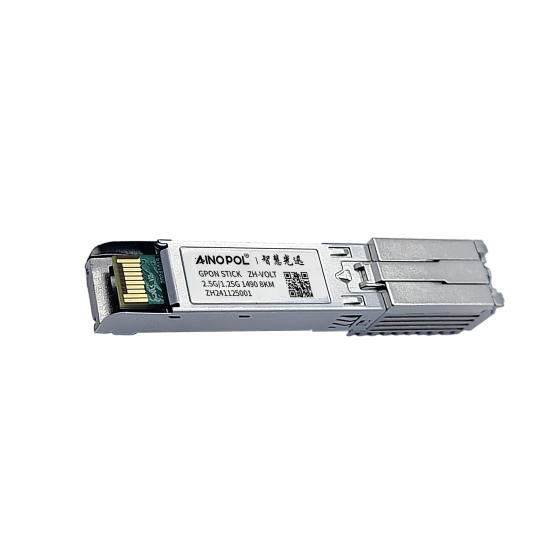
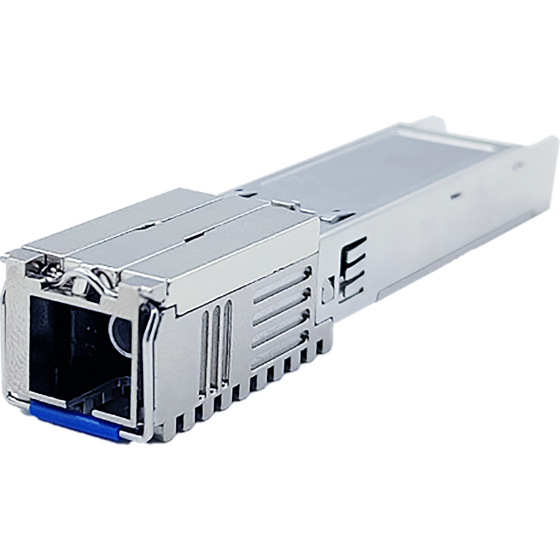
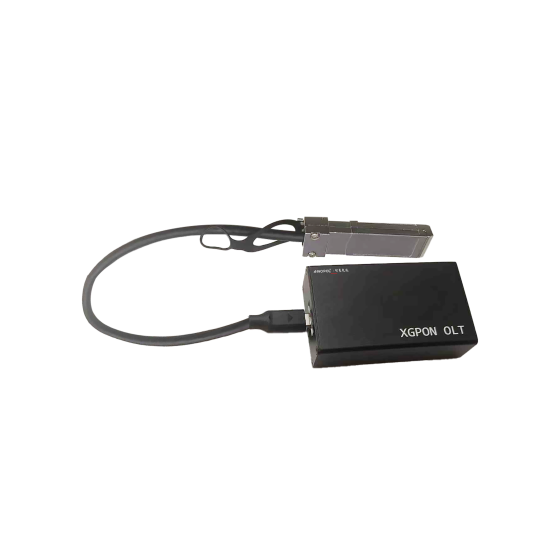
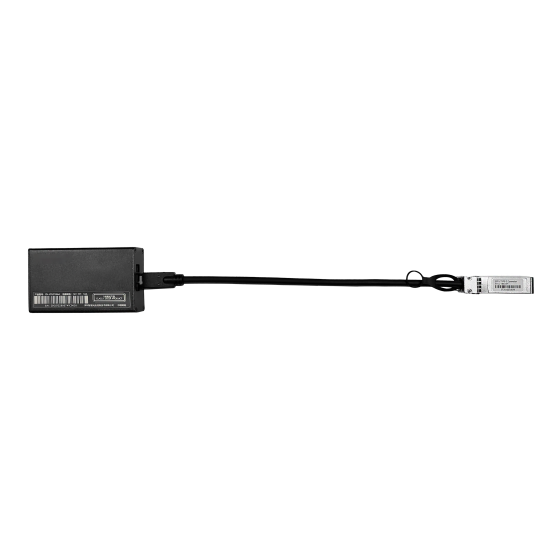
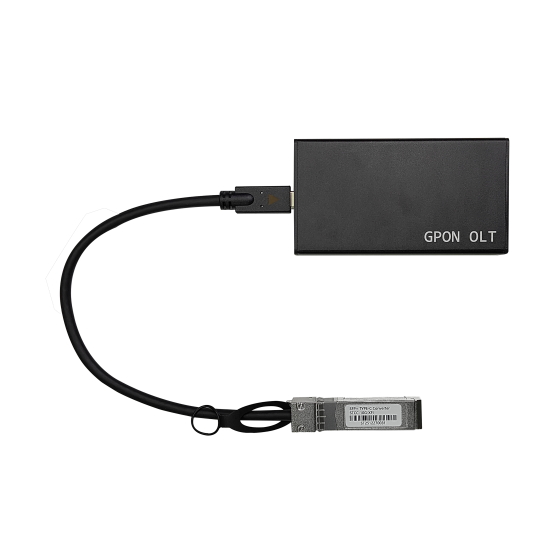
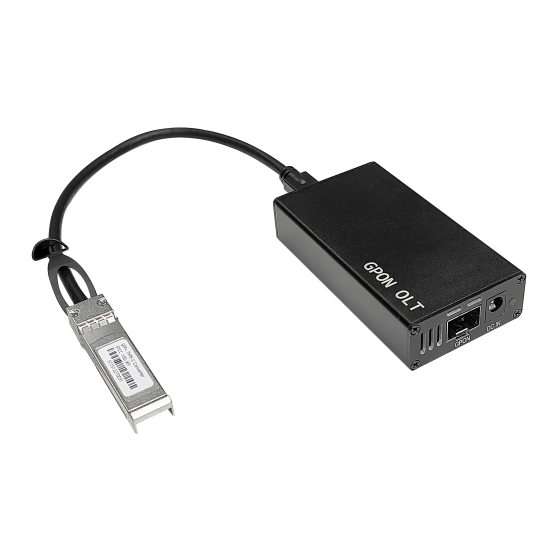
AinOPOL provides PON access equipment for different FTTH scales:
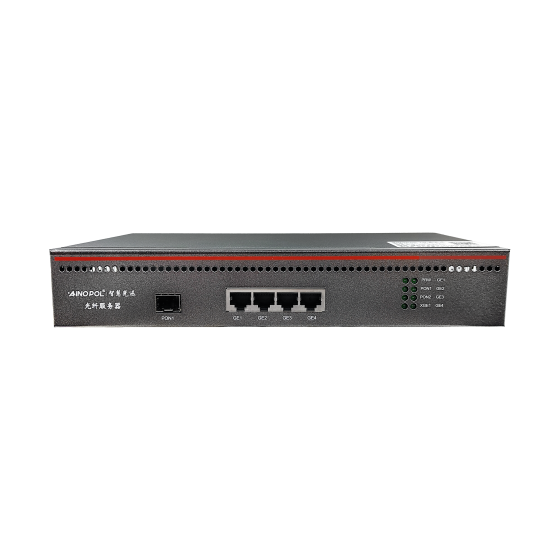
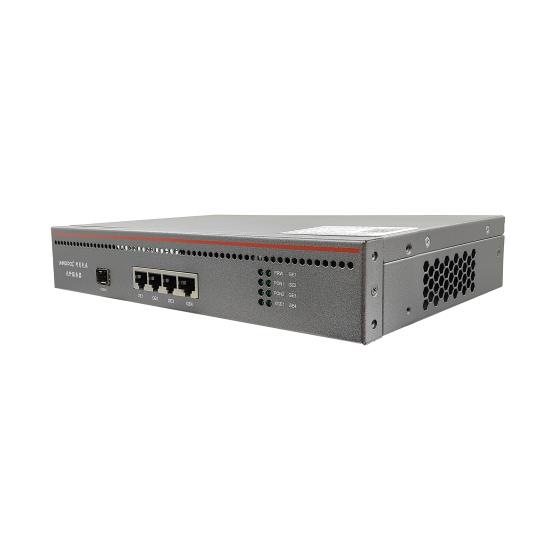
- GPON vOLT ZH-vOLT16: for small residential, hotel, and SMB access.
- GPON vOLT ZH-vOLT32: for residential, campus, and mid-scale access.
- GPON vOLT ZH-vOLT64: for higher-density FTTH deployments.
- XG-PON OLT ZH-VOLTXG64: for bandwidth upgrades and high-density access.
Choose equipment according to ONU compatibility, split ratio, route distance, uplink design, and field-test results.
Contact AinOPOL
For FTTH installation, PON expansion, or equipment selection, contact AinOPOL:
- Email: zhenghui.xu@sczhgx.com
- WhatsApp: +86 17612849559
- Store: shop.sczhgx.com
This article is general installation guidance. Final deployment should follow the project design, equipment specifications, operator requirements, and field measurements.