Small ISP GPON ONU Selection and Activation Guide: From Compatibility to Batch Deployment
Why GPON ONU Selection Matters for Network Stability
For small ISPs, campuses, and FTTH projects, a GPON ONU is not simply a terminal that only needs to show an optical signal. ONU model, PON compatibility, optical-power budget, management options, and batch-activation procedures all affect service quality and maintenance cost. Reviewing the key parameters before procurement reduces rework and makes future expansion easier.
1. Confirm PON Standard and OLT Compatibility
A GPON ONU must match the PON standard and authentication method used by the upstream OLT. Before deployment, confirm whether the OLT uses GPON, EPON, or XG-PON, and verify SN, LOID, and password authentication. On an existing network, test a small number of units first and confirm registration, VLAN, T-CONT, GEM Port, service profiles, and remote management before placing a batch order.
- Confirm the PON standard and authentication method supported by the OLT and ONU.
- Verify VLAN, service-profile, and bandwidth settings.
- Test registration, dialing, Internet access, and remote management with sample units.
2. Match Ports and Features to the User Scenario
Home broadband commonly requires one PON port and one to four Gigabit Ethernet ports. Small businesses, dormitories, and campus networks may need more LAN ports, Wi-Fi, or other interfaces. For Gigabit service plans, check the Ethernet port speed and actual forwarding performance so that the user-side port does not become the bottleneck.
For centralized deployments, choose a compact model with stable power consumption, clear indicators, and convenient installation. Enclosure design, heat dissipation, and the position of the optical interface also affect installation efficiency.
3. Plan Optical Power Budget and Link Margin
Before an ONU goes online, check fiber distance, split ratio, connector loss, and splice loss. Do not design only around the theoretical maximum distance. Keep practical link margin for aging, bending, and maintenance. During acceptance, use an optical power meter to verify receive power and compare it with the equipment specification and OLT optical-module parameters.
When many subscribers share one PON port, split ratio, fiber length, and installation quality jointly affect edge users. If some ONUs disconnect repeatedly, inspect optical power, connector cleanliness, bend radius, and splitter ports before replacing the terminal.
4. Use Standardized Templates for Batch Activation
Activation procedures are often overlooked by small ISPs. Before batch deployment, establish consistent ONU naming, serial-number records, VLAN planning, and service profiles. Field staff can then complete the fiber connection, device identification, and basic checks while the platform applies authentication and service settings from a standard template.
- Record the ONU serial number, installation location, and subscriber.
- Standardize PON-port, VLAN, and service-profile planning.
- Save optical-power readings, port identifiers, and activation time.
- Complete Internet access, throughput, latency, and restart-recovery tests.
5. Common ONU Selection Mistakes
- Looking only at PON speed while ignoring LAN ports and forwarding performance.
- Comparing only unit price while ignoring remote management and support.
- Buying in bulk without compatibility testing.
- Ignoring split ratio, route distance, and optical-power budget.
- Failing to map ONU serial numbers to subscribers and installation records.
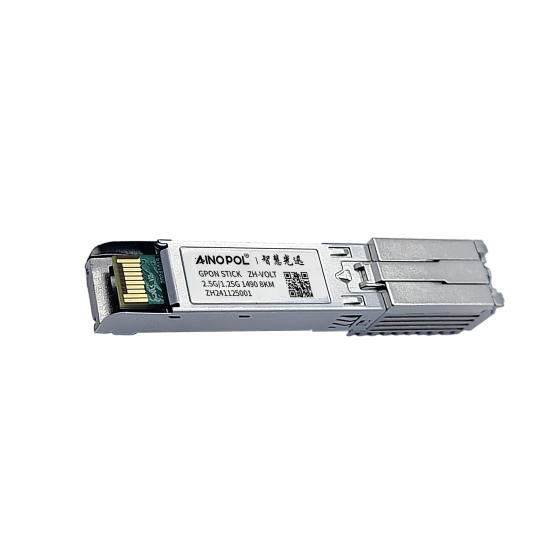
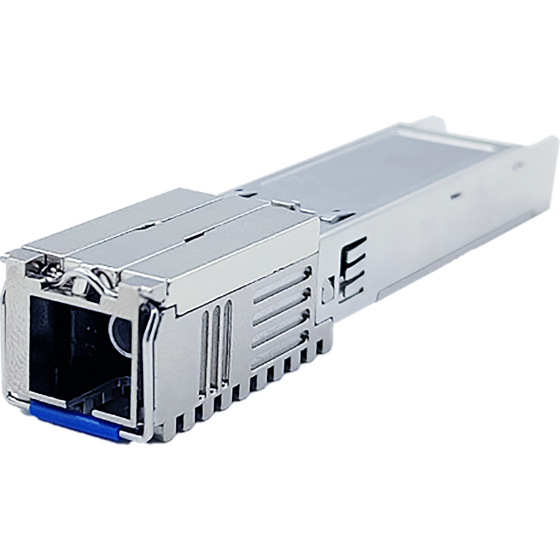
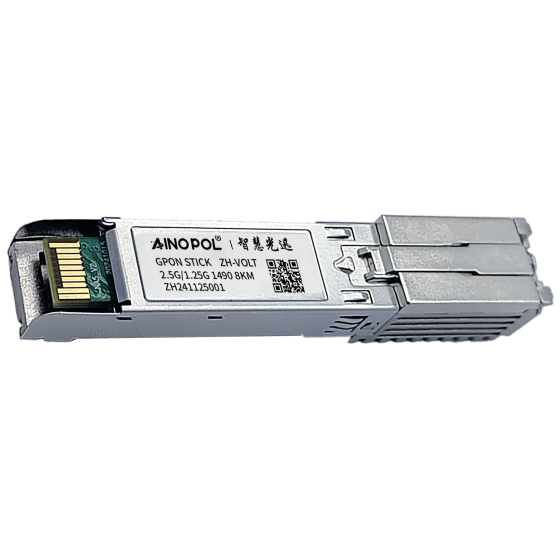
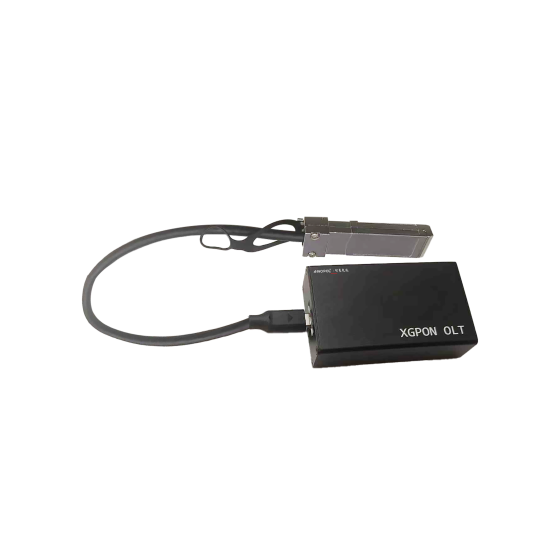
AinOPOL PON Equipment
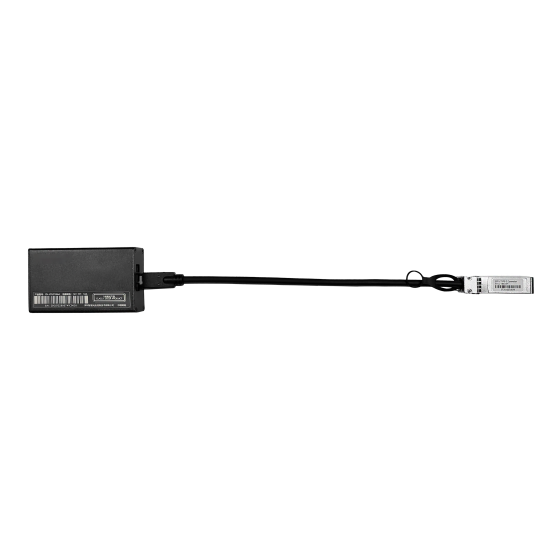
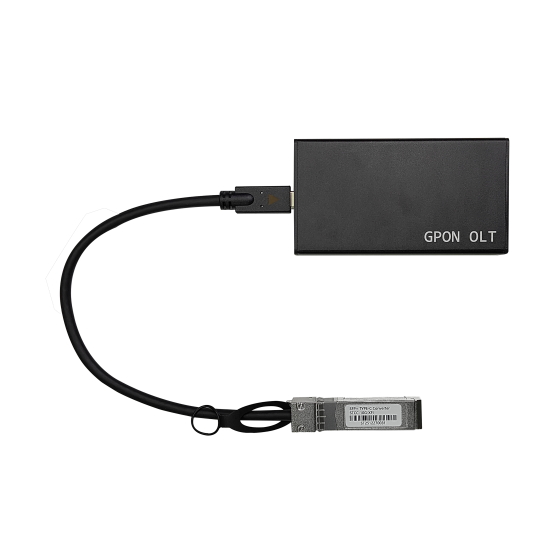
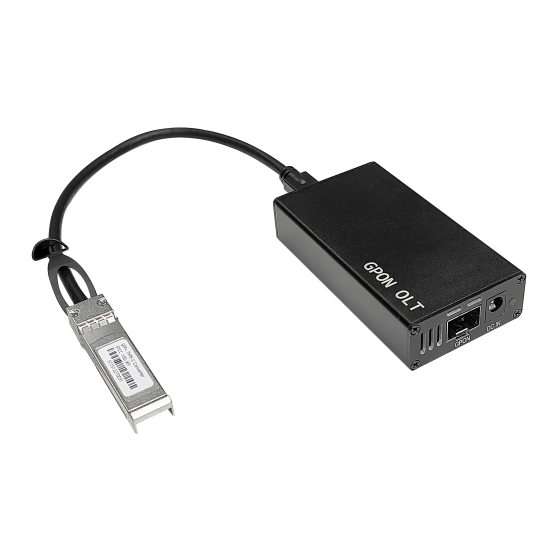
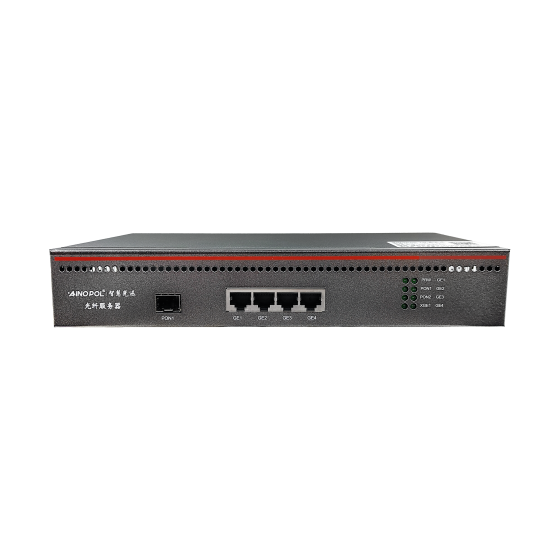
AinOPOL provides PON access equipment for different FTTH scales:
- GPON vOLT ZH-vOLT16: for small residential, hotel, and SMB access.
- GPON vOLT ZH-vOLT32: for residential, campus, and mid-scale access.
- GPON vOLT ZH-vOLT64: for higher-density FTTH deployments.
- XG-PON OLT ZH-VOLTXG64: for bandwidth upgrades and high-density access.
Choose equipment according to ONU compatibility, split ratio, route distance, uplink design, and field-test results.
Contact AinOPOL
For FTTH installation, PON expansion, or equipment selection, contact AinOPOL:
- Email: zhenghui.xu@sczhgx.com
- WhatsApp: +86 17612849559
- Store: shop.sczhgx.com
This article is general selection guidance. Final deployment should follow the project design, equipment specifications, operator requirements, and field measurements.