One ONU, Whole Port Down: Finding a Rogue ONU on a PON
Key takeaways: PON upstream is time-division multiplexed — at any instant, exactly one ONU is allowed to transmit. A single ONU that keeps its laser on will sit on everybody else's timeslots and knock dozens of subscribers off the same port, at random and over and over. Nothing in the alarms points at the optical layer, so the fault usually gets blamed on the OLT card or on "the line". What follows is a repeatable way to find it: prove the whole port is affected, bisect the splitters, converge on a single flat — then isolate, swap, and chase the root cause so the same unit doesn't come back.
1. Upstream is a queue, not a room
People picture a PON as a shared pipe. Downstream and upstream could not behave more differently. Downstream, the OLT broadcasts continuously at 2.488 Gbit/s and each ONU picks out the frames addressed to it. Upstream, there is only 1.244 Gbit/s in total, and the OLT hands out timeslots: every ONU opens its laser only inside the window it has been granted, and must stay dark the rest of the time.
That is why a continuously transmitting ONU is a structural failure rather than a performance dip. It is the person in the meeting who never stops talking — not quieter audio, but nobody else audible. Its burst overlaps everyone else's, the OLT's decision threshold collapses, and the port starts showing climbing error counts, ranging failures and ONUs flapping up and down.
One clarification, because it gets repeated a lot: a visual fault locator will not usually interfere with 1310 nm upstream traffic — it mainly pollutes your power readings. What actually kills a port is a device with a live 1310 nm source — a spare ONU or an optic — plugged into a splitter that is in service.
2. The whole port drops, but the power readings look fine
The field signature is consistent enough that once you see the pattern you can stop measuring power door to door.
- Several subscribers on the same PON port fail together, across ONU brands and across floors, and the number affected keeps changing;
- They come back on their own after seconds or minutes. There is no fixed interval, but it clusters in the evening peak;
- You measure one affected flat and the receive power is normal — sometimes better than the neighbour's;
- On the OLT you can see CRC or error counters climbing, ONUs re-ranging, registration timeouts — and no optical-budget alarm at all;
- The tell: pull one fibre or reboot one ONU and the entire port recovers — then it comes back hours or days later.
That last item is close to conclusive. Attenuation does not heal because you unplugged somebody else's patch cord.
3. Three ways an ONU ends up transmitting continuously
Finding the unit is half the job. Knowing why it failed is what stops the replacement from doing the same thing next month.
| Cause | Typical signs | How to confirm on site |
|---|---|---|
| Laser or driver failure | History of surge damage, water ingress or unstable power; case runs hot | Still transmitting after a power cycle; a known-good unit of the same model clears the port |
| Firmware or state-machine fault | Clusters within one batch or one firmware version; often follows an interrupted upgrade or a hard power cut | Check serial batch and version. Two cases from the same batch is a batch problem |
| Human error or foreign source | Starts during commissioning, a cutover, or testing; spare hardware left patched in | Line up the start time with the work log, then check the spare ports first |
The third one is the most overlooked and the most likely to repeat. Empty splitter ports left uncapped, a handful of "spare" ONUs sitting powered on a shelf — one of them gets patched in and the port now carries a permanent interferer. Make it a rule: cap every unused port on a live splitter, and never patch a test source or a spare ONU into an ODN that is carrying traffic.
4. Rogue ONU, weak signal, or dead power supply?
All three arrive as the same ticket: "the building is down again". Four lines of observation separate them without opening a test set.
| What you observe | Rogue ONU | Excessive loss | ONU power fault |
|---|---|---|---|
| Blast radius | Many subscribers, whole port, at random | One flat or one branch | One flat |
| ONU receive power | Normal, sometimes high | Clearly low | No reading |
| OLT error counters | Visible rise | Slight or none | None |
| Pull-one-fibre test | Port recovers when the right branch is pulled | Still dead after pulling | Unaffected |
If all four line up in the first column, stop measuring receive power flat by flat. You will only collect a page of normal numbers and lose another day.
5. Five steps from "whole port" to "one flat"
- Confirm the scope. Three or more subscribers on one PON port, across brands and floors, is a shared-segment fault. Do not start at somebody's patch cord.
- Get evidence from the OLT. Export the port's error counters, ranging-failure log and the up/down timeline for each ONU. Put that timeline next to the work log, the power events and the weather. The start time is often handed to you.
- Pull the feeder for a first cut. Disconnect the feeder between the OLT and the first splitter and watch the error counters. If they stop, the source is in the ODN. If they keep climbing, go back and check the port and the optic — rare, but rule it out first.
- Bisect the splitter branches. With two stages of splitting, disconnect a group of outputs on the first splitter — usually a floor or a riser closet — and you have eliminated half the subscribers in one move. The half where the errors stop contains the source.
- Converge on the flat. Work down the second-stage splitter port by port until the counters go to zero. Whatever is left is your unit. Do this in the riser closet, not in guest rooms.
On a typical two-stage build, two engineers should converge on the flat in 60 to 90 minutes, excluding time spent explaining it to the client.
6. Six details that decide whether the bisect works
- Cut from the OLT end first. The outputs of the first splitter remove the most subscribers per action. If the riser closet is off-limits during business hours, schedule a low-occupancy window — don't start working room by room instead.
- Write down every pull. Time, port, and whether the counters zeroed. Without that record, replugging leaves you with nothing to review.
- Don't substitute "power down each ONU" for pulling fibre. Powering down the rogue unit does clear the port — but you don't know which one it is, so you end up walking the whole building.
- Cap every cord you pull, immediately. Ten minutes of bare ferrules in a riser closet is enough to make the next round of tests meaningless.
- Restore the healthy branches first. Once the source is identified, plug everything else back so the majority comes back online while you deal with the one flat.
- Log the unit before you leave. Serial number, batch, firmware, install date, power environment — plus a red tag on the chassis.
7. Once you've found it: isolate, swap, then chase the cause
Get the order wrong and you rescue one subscriber while dropping the rest.
Step one is isolation, not replacement. Take the ONU off the live port — deactivate it logically or disconnect it physically — and give the port back to everybody else. The point is to stop the outage for dozens of subscribers before you solve it for one.
Step two is a loaner. Pull a spare from the pool and swap it on site in ten minutes. That beats "ship it back and wait for repair" every single time. Spares are not overhead; they are the only thing that takes MTTR from days to an hour.
Step three is the root cause. Check serial batch, firmware, install date and power environment. If a second unit from the same batch and version shows up, treat it as a batch issue: stop shipping that batch, upgrade it, or replace it wholesale.
Step four is the tag. Write "continuous transmit" on the RMA form, red-tag the chassis, and store it apart from good stock. The most common second incident is not a new failure — it is the same dead unit finding its way back onto the network as "spare".
8. Prevention is a procedure, not luck
- On the OLT: enable the platform's rogue or continuous-transmit detection and alarm on error counters and ranging failures. Watching "ONUs online" is not enough — during a rogue event that number often stays at full.
- In the field: cap every unused port on a live ODN, keep test sources out of live splitters, and store new and used hardware separately.
- In the stores: physically separate repaired units from good stock, and make the red-tag rule part of warehouse procedure.
- On the desk: put "whole port flapping at random → suspect a rogue ONU" into the first-line script, so nobody starts by swapping the OLT card and the uplink optic.
9. Keep a record sheet
These faults come back months apart, and memory will not survive the gap. One row per event is enough.
| Field | What to record |
|---|---|
| Time and scope | When it started, how many subscribers, which PON port and splitter IDs |
| Evidence | Error counter movement, ranging failures, up/down timeline |
| Convergence | Order of fibre pulls, counter response after each, port finally identified |
| Unit details | Serial, batch, firmware, install date, power and mounting environment |
| Outcome | Swapped or repaired, and whether it recurred within three months |
Two events on the same serial inside three months means scrap it. The question is not "does it still register" but "will it take the port down again".
10. Port count is fault-domain size
How much damage one rogue ONU can do depends on how many subscribers share its port. The same unit is an inconvenience on an 8-way port and an incident on a 64-way port. So when you choose equipment, match port count to building size and to the team that has to maintain it — not to a datasheet maximum.
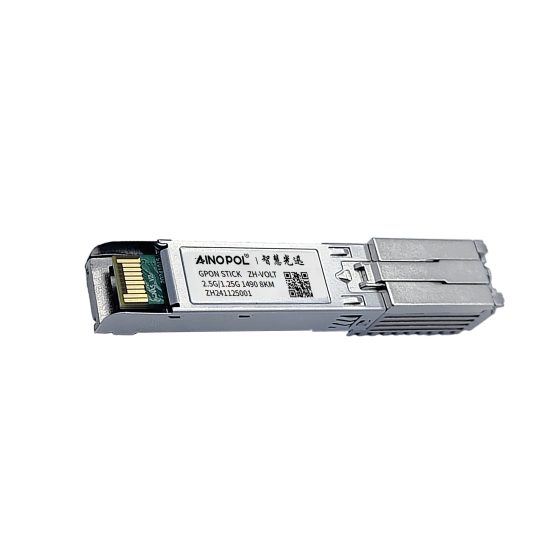
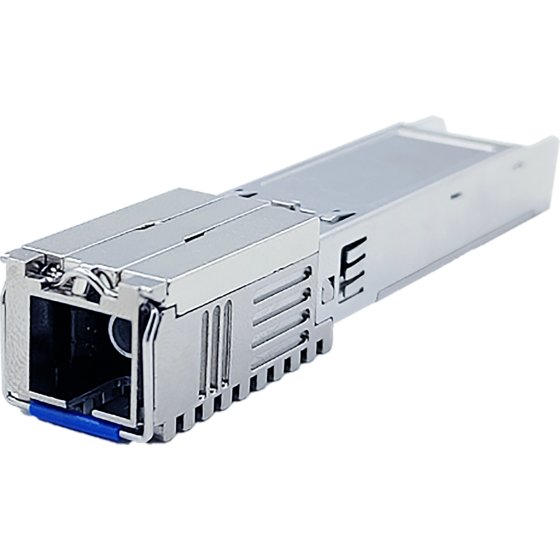
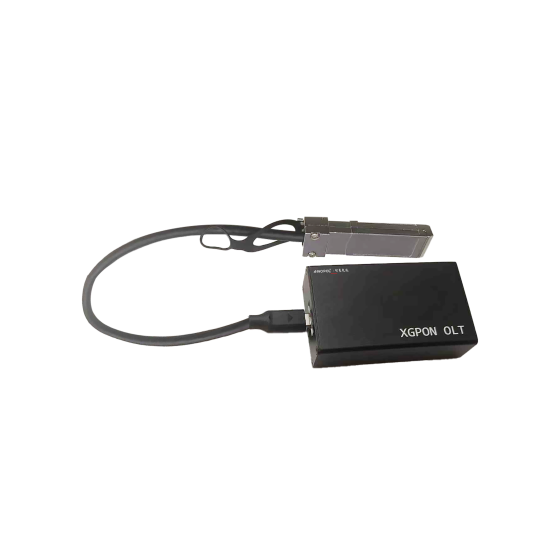
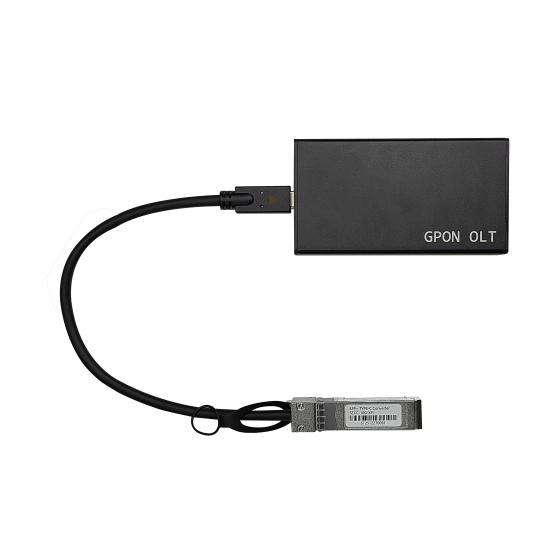
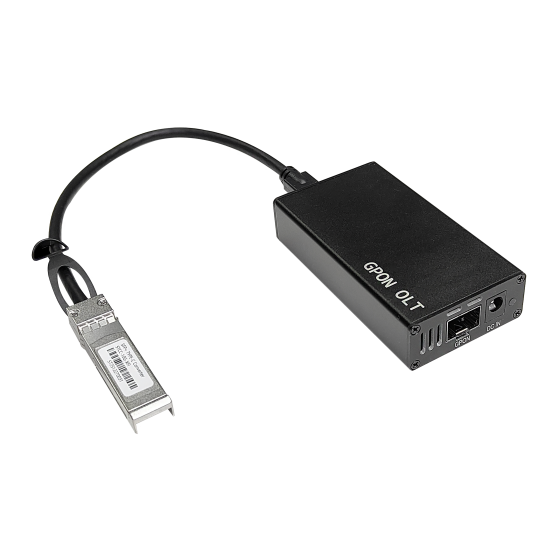
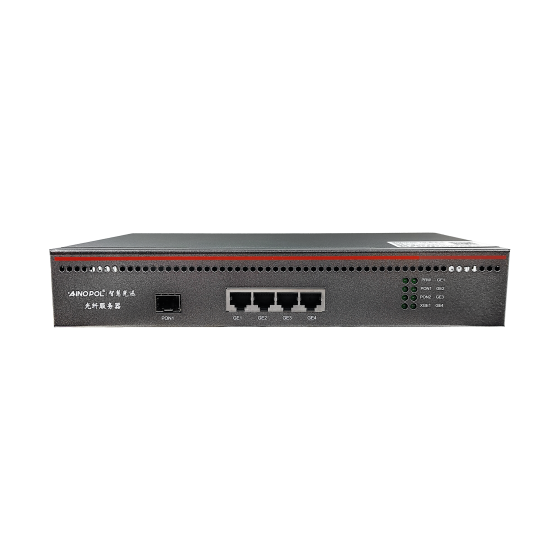
- Single apartment block or small campus: a 32-port vOLT (ZH-vOLT32) per building keeps the fault domain inside one building.
- Mid-size hotel, 100 to 300 keys: a 64-port vOLT (ZH-vOLT64), with PON ports allocated by floor, so a fault hits one floor and the search area stays walkable.
- High-bandwidth multi-service sites (IPTV plus CCTV plus room control): an XG-PON platform (ZH-VOLTXG64) leaves more headroom upstream and downstream for bursts and for error margin.
Conclusion
A rogue ONU is not an unlucky event. It is a failure mode built into any shared medium, and it will show up eventually. Its real cost is not the hardware — it is that nobody knows where to look, so every occurrence starts from zero and turns a few dozen complaints into a multi-day outage. Put it in the on-call script, the spares policy and the commissioning rules; that is worth more than a more expensive OLT. Three lines cover it: prove the port, bisect the splitters, converge on the flat; isolate before you swap; red-tag the dead unit.
Contact Us
If you are chasing a whole-port flapping problem across a hotel, an apartment block or a campus, talk to AINOPOL. We can review your PON port allocation, splitter layout and device batches with you.
- Email: zhenghui.xu@sczhgx.com
- WhatsApp: +86 17612849559
- Online store: shop.sczhgx.com